Building a Professional SOC + AWS Lab: From Legacy Hardware to Cloud-Ready Workflows
Summary
This portfolio demonstrates my ability to design stable, reproducible SOC and AWS lab environments across legacy hardware, modern Windows, and WSL2. It combines hardware optimisation, Linux hardening, and cloud integration, producing portfolio-ready artefacts for employers or freelance clients. The labs reflect the Cloud SOC Analyst progression: IAM → Detection → Identity-Centric.
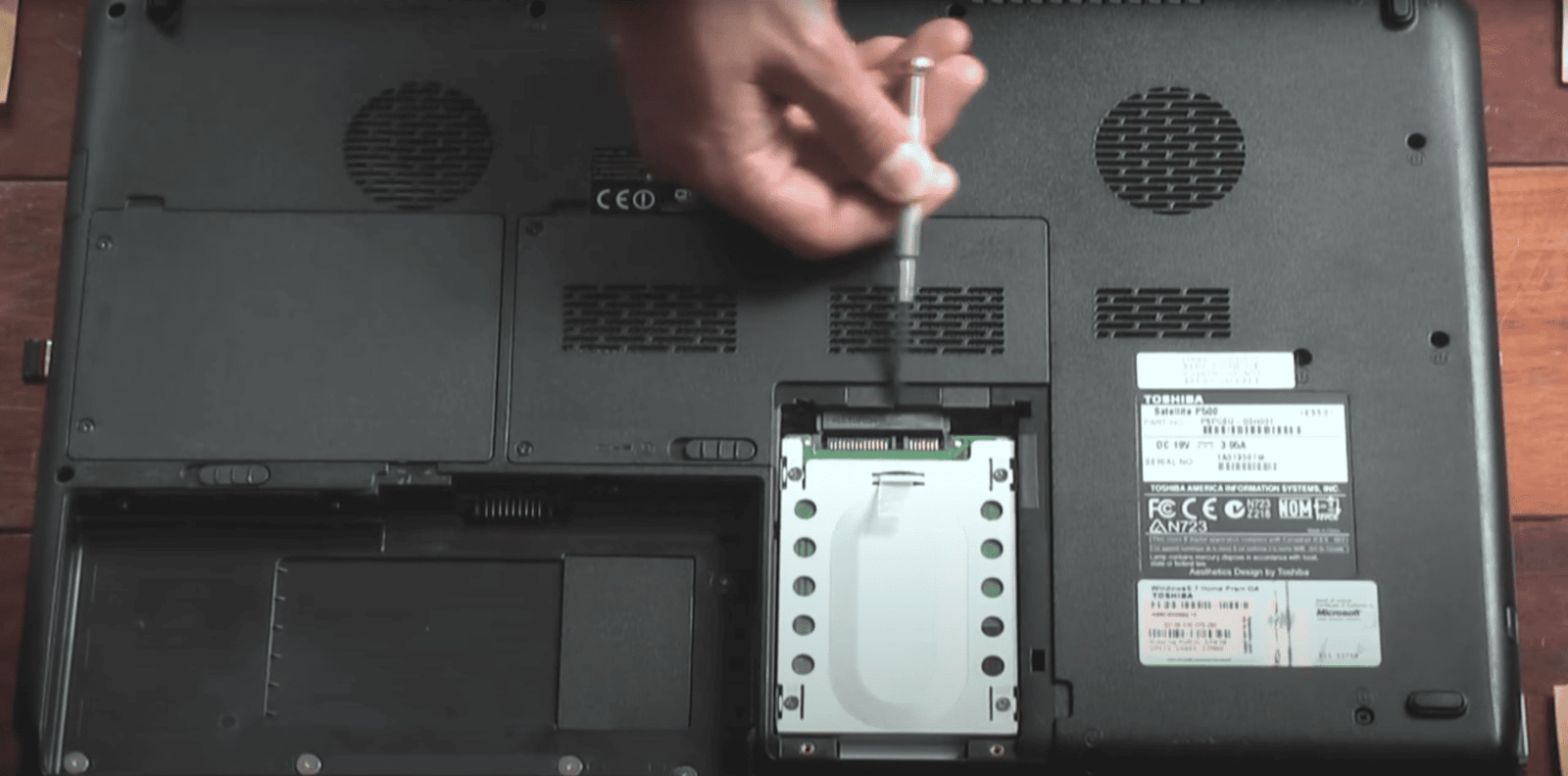
Legacy Hardware Recovery: Toshiba Laptop Lab
- Hardware: Toshiba Satellite L500-13W (2009), 4 GB RAM, legacy BIOS, USB 2.0
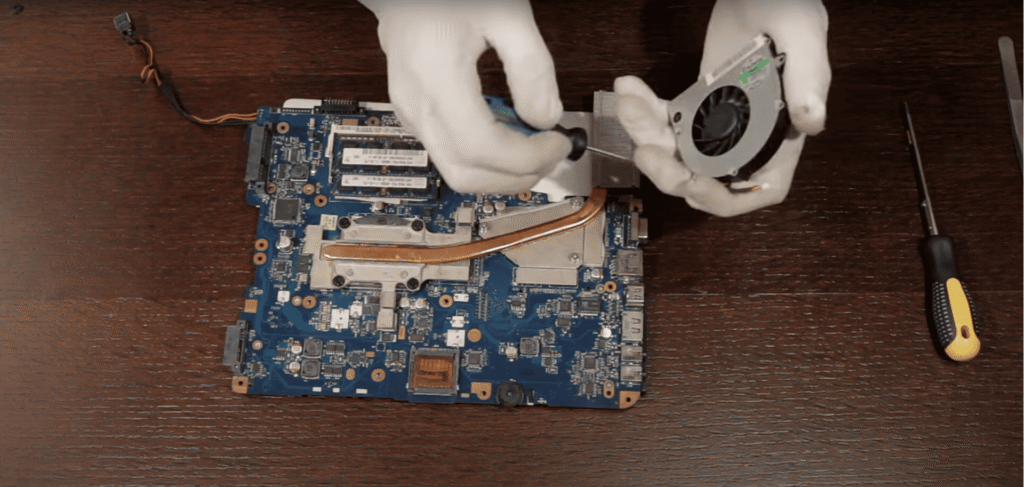
- Issues: Overheating, slow HDD, misconfigured keyboard
Approach:
- Installed MX Linux 23 (Debian stable, lightweight, predictable)
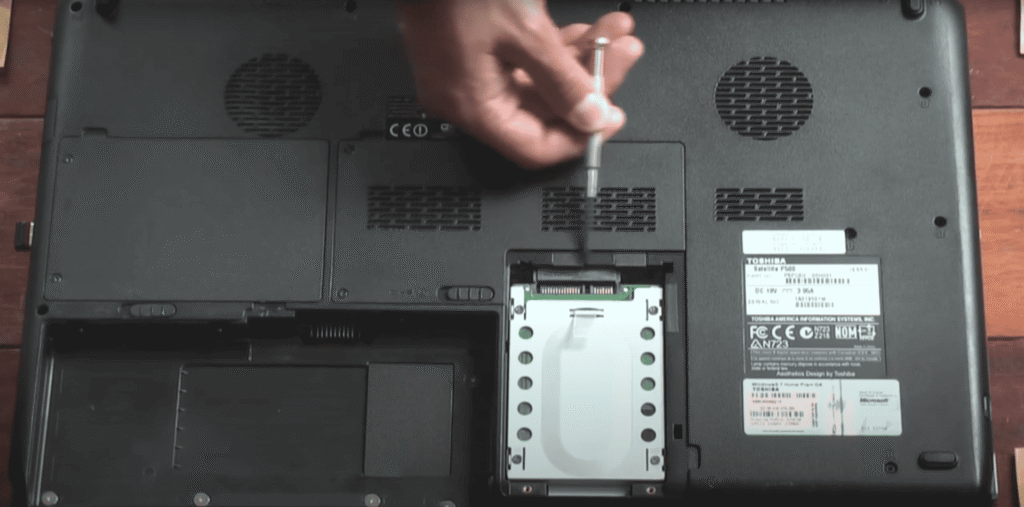
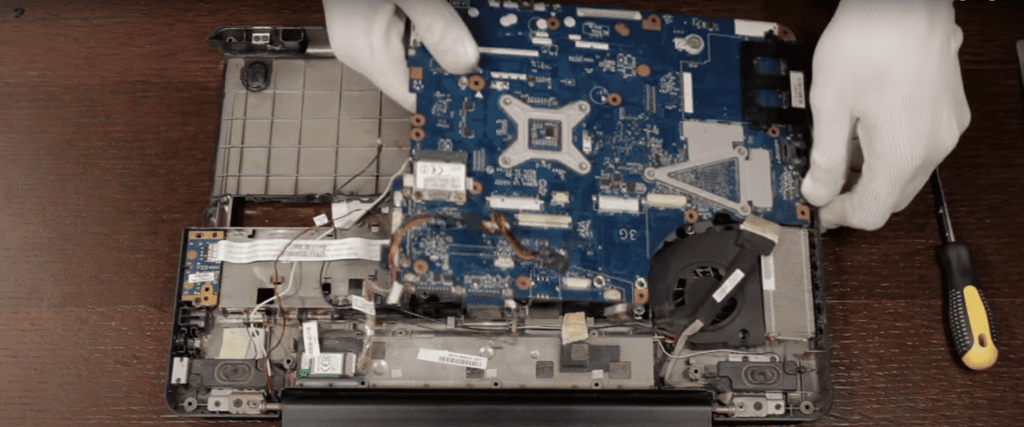
- Replaced HDD with SSD, fixed cooling system
- Installed defensive tooling: nmap, Wireshark, tcpdump, Lynis, ClamAV, OpenVAS
Outcome:
- Boot under 30 seconds, thermally stable under sustained scans
- Enabled early Blue Team, DFIR, and AWS experimentation
- Reinforced Linux, hardware, and system optimisation skills

Scaling Up: Windows 11 SOC Lab
Legacy hardware limited VM-based experimentation: RAM, CPU, and storage bottlenecks blocked packet capture, AWS integration, and multiple environments.
New Setup: i7 CPU, 16 GB RAM, SSD storage.
Impact:
- Runs multiple Blue Team and cloud tools concurrently
- Supports hands-on IAM and alert triage labs
- Provides reproducible, portfolio-ready outputs
3. WSL2: Lightweight, Reliable Cloud-Ready Lab
After testing VirtualBox and VMware, WSL2 + Ubuntu 24.04 became the core environment:
- Minimal RAM and CPU overhead, near-native SSD performance
- Smooth Windows integration
- Ideal for AWS CLI, Python automation, IaC tools, and SOC workflows
- Easy snapshotting:
wsl --export/wsl --import
Outcome: Most time is spent on security work, not environment maintenance.
4. Lab Architecture: Two-Folder SOC + AWS Structure
Folders: SOC Labs and AWS Labs — both follow the same internal structure:
1. Environment & Scope
2. Baselines
3. Attack Surface & Exposure
4. Logging & Visibility
5. Threats & Techniques
6. Detection & Analysis
7. Response & Hardening
8. Automation & Continuous Improvement
Tools & Coverage:
- IAM posture analysis, CloudTrail investigations, S3 security checks
- Log analysis, threat-hunting, Python automation, packet capture, network fundamentals
Portfolio Output:
- Every investigation or script becomes a GitHub repo, write-up, and reproducible artefact
- Demonstrates discipline, verification, and cloud SOC readiness
Reflection: Why This Matters for a SOC & Cloud Role
This multi-stage lab journey strengthens my ability to:
- Diagnose and repair failing systems
- Optimise OS performance under severe constraints
- Build reproducible, cross-platform lab environments
- Produce verifiable artefacts for employers or freelance clients
Impact: Enables consistent Blue Team, Python automation, and AWS security practice, aligned with remote SOC and Cloud Detection roles across the UK and EU.